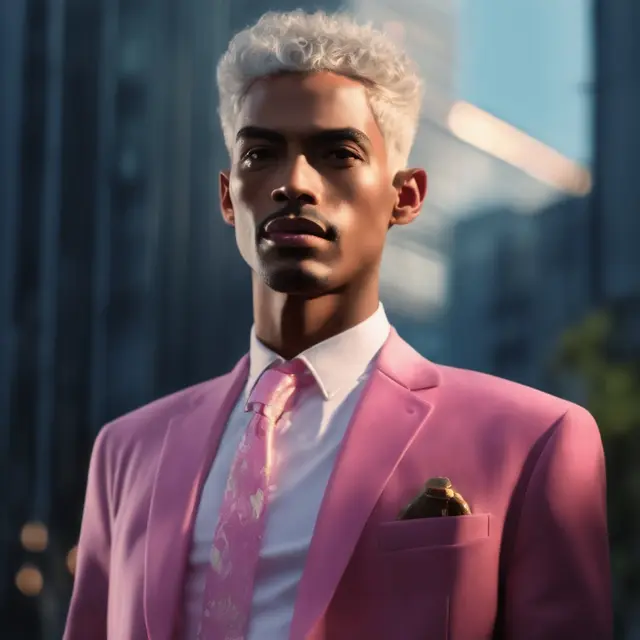
Take the open seat in a library, have the conversation you have been postponing or meet a confident city companion. Begin with a small gesture and decide how much to say.
A slow-burn scene gives both characters room to respond. State your preferred pace, ask about a shared interest and decide your own actions. You can keep the exchange friendly or explore a fictional romance.
High character consistency
Character profiles guide the persona, tone, and backstory. Clarify details when a reply drifts from your scene.
Realistic & fluid chat
Fast, natural, lifelike responses that make AI roleplay feel like a real push and pull.
Enhanced character memory
For signed-in chats, story context helps carry important moments forward. Recall is limited and may need correction.
Try a first reply that leaves room for an answer
Connect your reply to the character’s opening and make one small choice.
At the library, try “I take the empty chair. Which page has been keeping your attention?”
For an honest conversation, try “I wanted to ask you out, but I was not sure how. Would you like to take a walk?”
For a slow-burn scene, try “Let’s start as acquaintances and discover what we have in common.”
Set your pace and preferences
Tell the character the relationship tone you want and check the next reply. You can redirect a scene that moves too quickly.
Say “Keep this light and let the attraction develop gradually.”
Decide your own character’s feelings and actions in each reply.
Sign in to save the conversation and return to the same story later.
A highly custom AI companion
Your AI companion is not just a predefined character. Shape and personalize their personality, look, and plotline to match your taste, and create a partner that evolves with you so every conversation feels more connected and uniquely yours.
Free AI character chatImmersive roleplayCustom AI companionAnime-inspired charactersStory-driven modesCross-device sync
How to create your AI companion
1
Open the creation page
Choose “Create your AI character” to open the character creation page.
2
Tailor the character
Describe the personality, look, and storyline, or upload an image and let AI generate the rest.
3
Publish & chat
Set your profile, publish your AI companion, and start an immersive roleplay conversation.
AI Crush Chat FAQs
What is a virtual crush chat?
It is a fictional character conversation where you can explore attraction, first meetings and a developing relationship through your own replies.
Can I choose a slow-burn romance?
Yes. Choose a compatible opening and tell the character you want the relationship to develop gradually. Redirect the scene if a reply moves too quickly.
Can I try AI crush chat for free?
Yes. A limited guest chat is available in your browser. Sign in to save the conversation and continue beyond the guest limit. Optional paid features have their own requirements.
Can I keep the conversation friendly?
Yes. State the tone you want and choose your own actions. You can decline an invitation, change the subject or begin a different scene.